Variables
Using Variables in GTWY: Dynamic Data for Smarter Prompts
Static prompts limit what your AI can do. Variables change that.
GTWY’s Variables feature lets your chatbot pull in live, real-time data instead of relying on fixed text. This makes every response more dynamic, personalized, and context-aware — without rewriting your prompt each time.
Whether you want to greet users by name, show the current time, or insert data from an API call, variables give your AI the flexibility to adapt instantly.
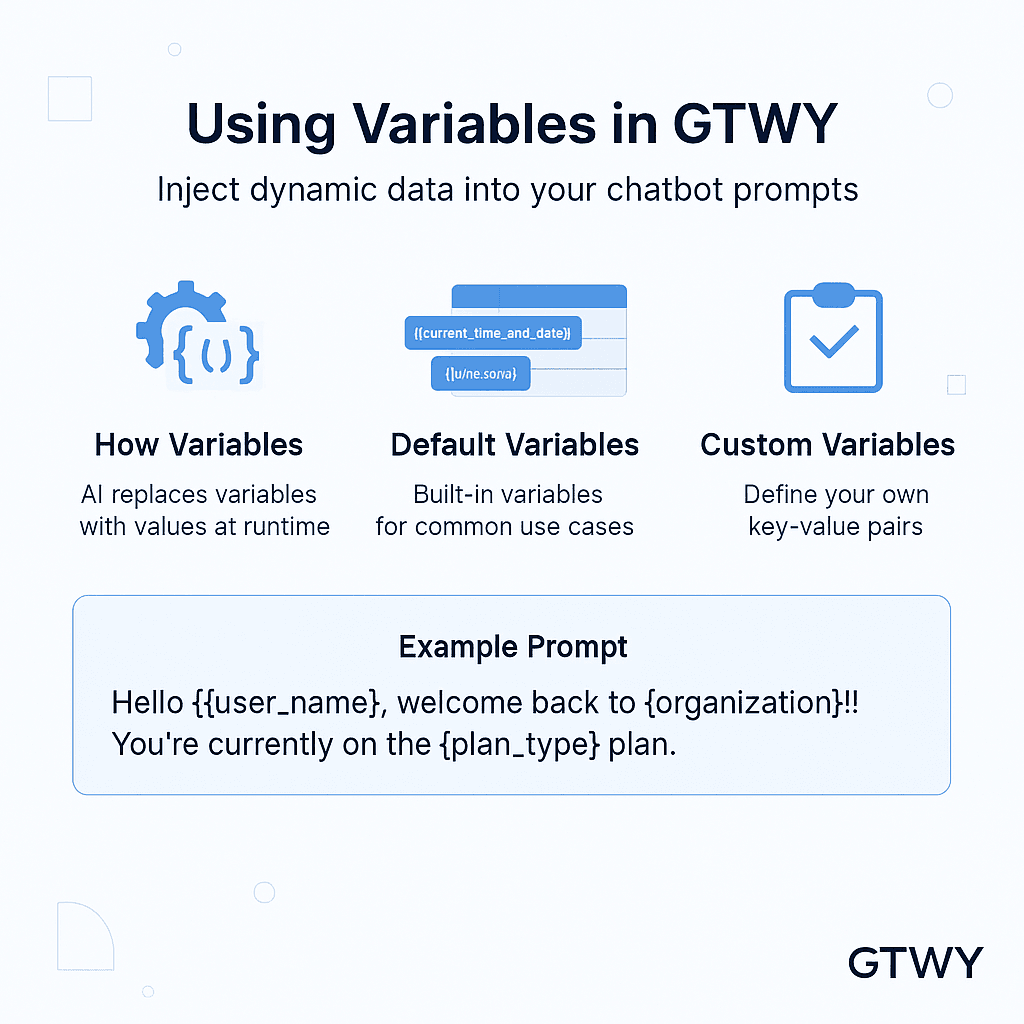
How Variables Work
In GTWY, variables are written as key-value pairs and added to prompts in this format:
{{variable_name}}When your chatbot runs, it automatically replaces each variable with its actual value — such as a user’s name, time, or location.
There are two main types of variables in GTWY:
Default Variables: Built-in values provided by the system.
Custom Variables: Values you define for your own use cases.
Default Variables
GTWY includes several ready-to-use variables you can add right away:
Variable | Description |
|---|---|
| Displays the current time and date. |
| Shows the user’s current timezone. |
| Inserts data returned from a pre-function (if used). |
These built-in variables help your chatbot display live and accurate information in real time.
Common Use Cases
Here are some practical ways to use variables in your chatbot prompts:
Show Real-Time Data:
Use{{current_time_and_date}}to display the exact time when a response is generated.Adjust by Timezone:
Add{{timezone}}so responses match the user’s region or local time.Use Pre-Function Results:
Insert{{pre_function}}to include outputs from background functions or workflows.
Example:
The current time is {{current_time_and_date}} in your timezone ({{timezone}}).The chatbot replaces these placeholders with live values when it responds.
Custom Variables
You can also create your own variables to make your chatbot more personal.
Just define your own key-value pairs inside GTWY.
Variable | Value |
|---|---|
| “Aarav” |
| “Pro” |
| “GTWY” |
Then, include them directly in your prompt:
Hello {{user_name}}, welcome back to {{organization}}! You’re currently on the {{plan_type}} plan.Your chatbot will replace each variable with the matching value in real time — giving every user a customized experience.
Conclusion
Variables make GTWY chatbots smarter, more adaptive, and more human.
They allow you to merge live data, user details, and workflow outputs directly into your prompts — all without writing extra code.
If you want responses that feel personalized and intelligent, variables are the simplest and most powerful way to get there.
 Built with DocStar