Maximum Tool Call Limit
Understanding the Maximum Tool (Function) Call Limit in GTWY
AI agents don’t just think — they take action. And when your agent runs multiple tools or functions at the same time, managing how many execute in parallel becomes critical.
That’s where GTWY’s Maximum Tool (Function) Call Limit comes in.
This setting determines how many tool calls your agent can run simultaneously, giving you precise control over speed, performance, and resource usage.
What Is the Maximum Tool (Function) Call Limit?
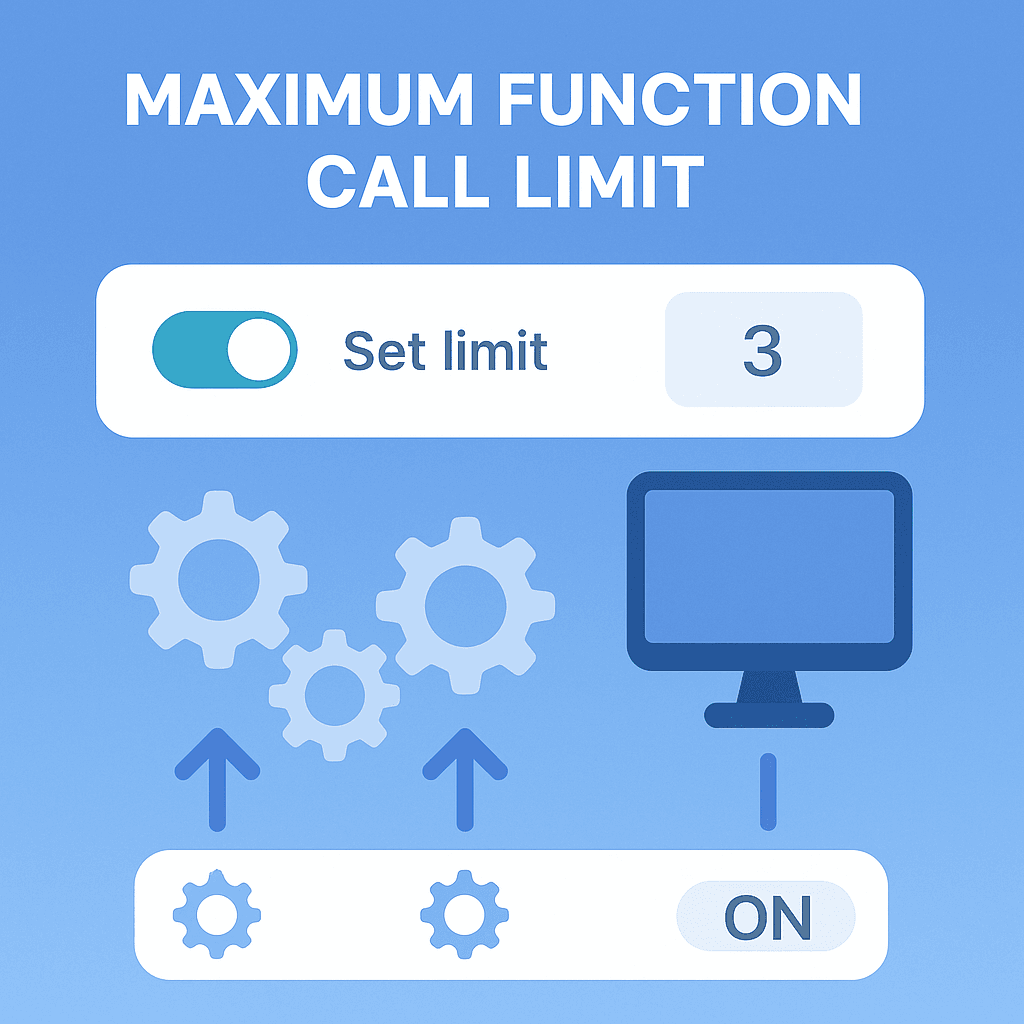
The Maximum Tool (Function) Call Limit controls how many functions can run at once inside your agent’s workflow.
Default behavior: Functions are executed one by one (sequentially).
With Parallel Tools: You can process multiple functions at the same time.
For example:
If the limit is set to 3, the system will execute up to three tools in parallel before waiting to process additional ones.
This setting helps ensure your system runs efficiently — fast when possible, safe when necessary.
Why It Matters
Setting a maximum tool call limit is about finding the right balance between performance and system stability.
1. Performance
Running too many functions together can overload your resources. The limit helps distribute workload evenly, preventing crashes or slowdowns.
2. Efficiency
Parallel execution allows faster results by processing multiple requests at once — ideal for lightweight or independent tasks.
3. Resource Management
Every function uses memory and processing power. The call limit ensures no single agent consumes more than its fair share, keeping your overall system stable.
When to Adjust the Limit
Adjusting the Maximum Tool Call Limit depends on the type of tasks your AI is handling:
Use Case | Recommendation | Reason |
|---|---|---|
Simple or lightweight tasks | Increase the limit | Allows faster parallel execution. |
Heavy or complex tasks | Keep the limit low | Prevents system overload. |
Mixed workloads | Start low and scale gradually | Helps monitor performance before increasing. |
A good starting point for most workflows is between 2–4 parallel calls.
Example Scenario
Imagine your AI assistant processes multiple API calls — one for user data, another for order history, and a third for analytics.
If the limit = 1 → tasks run one after another (safe but slow).
If the limit = 3 → all three tasks run simultaneously (fast and efficient).
With GTWY’s built-in controls, you can fine-tune this limit for your exact needs.
Best Practices
Start small; increase gradually
Avoid very high values for resource-heavy tools
Pair with Parallel Tools for maximum speed
Use conservative limits in production environments
Final Thoughts
GTWY’s Maximum Tool Call Limit gives you direct control over how your AI agent executes actions.
Set it right, and you’ll get the perfect blend of speed, stability, and scalability — ensuring your AI workflows run smoothly under any load
 Built with DocStar