GTWY Embed Integration Guide
Bring the Full GTWY Experience into your App
Why redirect users to another platform when you can bring the entire GTWY experience directly inside your product?
With Embedded GTWY, you can integrate GTWY’s full interface — agents, chat, management tools, and workflows — straight into your app or website. Your users get the same powerful AI experience without ever leaving your platform.
This guide shows you how to generate your embed token, add the script, and control the GTWY interface programmatically.
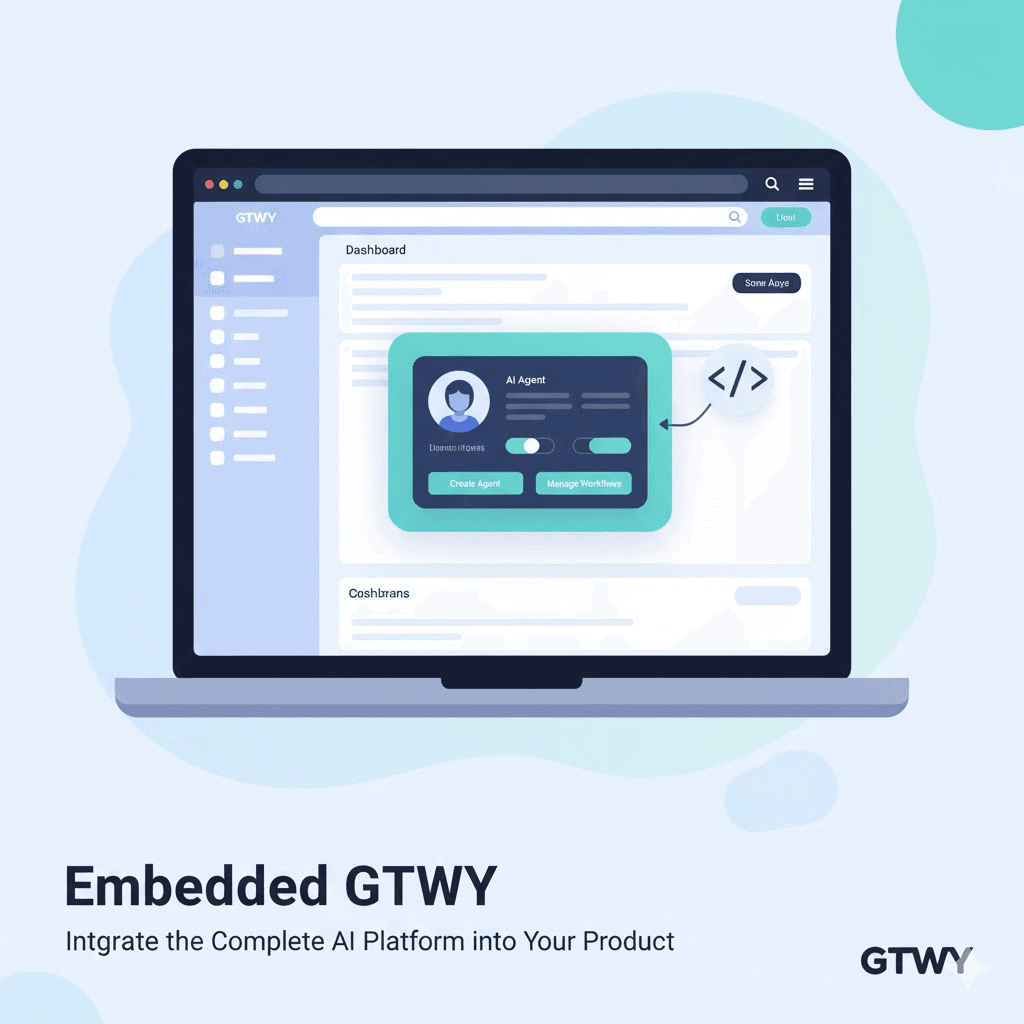
GTWY Embed Configuration
Step 1: Generate an Embed Token (JWT)
Before embedding GTWY, you’ll need to create a secure JWT token.
This token ensures that your embedded instance is authenticated and linked to your organization and users.
JWT Payload Format
{
  "org_id": "YOUR_ORG_ID",
  "folder_id": "YOUR_FOLDER_ID",
  "user_id": "YOUR_USER_ID"
}
Explanation:
org_id: Your organization’s unique ID in GTWY.
folder_id: The folder ID provided by GTWY for your embedded project.
user_id: A unique identifier for the user (e.g., email, UUID, or internal ID).
Signing the Token
Go to your GTWY dashboard.
Locate your Access Key under account settings.
Use this key to sign the payload and generate your embed token securely.
This signed token verifies that only authorized users can load and interact with your embedded GTWY interface.
Step 2: Embed GTWY in Your Product
Once your token is ready, simply add the following <script> to your webpage wherever you want GTWY to appear:
<script
  id="gtwy-main-script"
  src="https://gtwy.ai/gtwy.js"
  embedToken="YOUR_EMBED_TOKEN"
  slide="left"          <!-- Options: left, right, full -->
  defaultOpen="true"    <!-- true = open on load, false = minimized -->
  parentId="gtwy-container"  <!-- ID of parent HTML element -->
></script>
After embedding, you can customize the GTWY UI using the following configuration:
window.GtwyEmbed.sendDataToGtwy({
  hideHomeButton: true,     // Hide home button
  showGuide: false,         // Hide agent guide
  showConfigType: false,    // Hide chatbot/config options
  agent_name: "New Agent",  // Create agent bridge with custom name
  agent_id: "your_agent_id" // Redirect to specific agent
});
Script Attributes Explained
Attribute | Description |
|---|---|
id | Should always be |
embedToken | Your signed JWT token for secure authentication. |
src | The GTWY embed script URL ( |
slide | Determines chatbot position: |
defaultOpen | Opens the chatbot on page load if set to |
parentId | The ID of the HTML element where GTWY will render. |
💡 Tip: If
parentIdis not provided, GTWY automatically attaches itself to the page body.
Step 3: Programmatic Control
You can also control the embedded GTWY window through JavaScript for dynamic interactions:
window.openGtwy();
// Opens the embedded GTWY window

window.closeGtwy();
// Closes the GTWY window

window.openGtwy({"agent_id": "your_agent_id"});
// Opens GTWY directly with a specific agent
This gives you full flexibility to trigger GTWY from buttons, navigation elements, or custom UI workflows.
Why use Embedded GTWY ?
Embedding GTWY lets you deliver AI-powered functionality inside your own application — without redirecting users elsewhere.
It’s a seamless way to:
Add custom AI agents to your app interface.
Keep users engaged within your platform.
Maintain branding and UX consistency.
Offer complete GTWY features in a single click.
Final Thoughts
Embedded GTWY turns your app, dashboard, or website into a full AI workspace.
From agent creation to real-time interaction — everything runs inside your product.
Secure. Scalable. Simple to deploy.
Your platform stays in control. GTWY takes care of the intelligence.
 Built with DocStar