RAG Embed
Embed Knowledge Base in your App
End Static Docs. Initiate AI-Driven Intelligence.
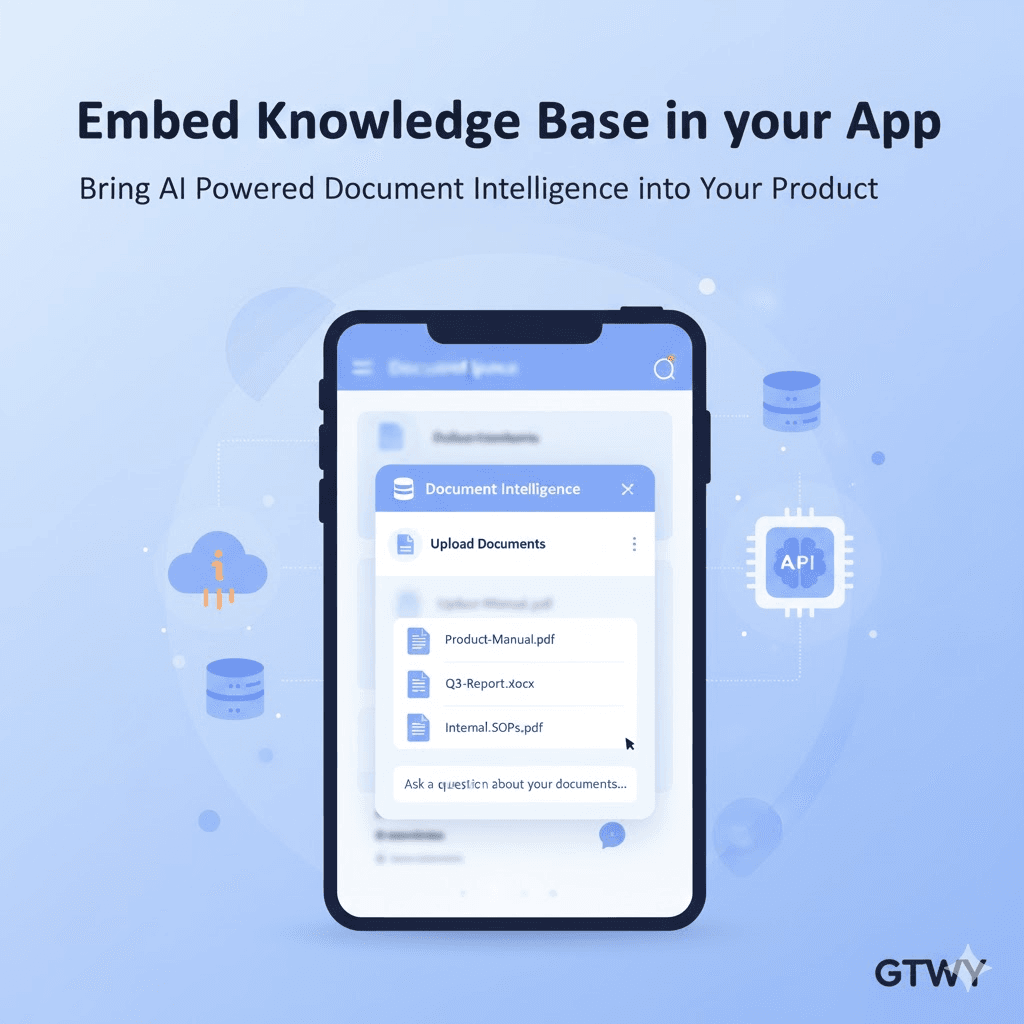
GTWY’s Knowledge Base lets you embed a complete AI-driven document system directly inside your application. Your users can upload files, search data, and ask questions — all without switching tabs or relying on external tools.
The widget is lightweight, secure, customizable, and blends perfectly with your existing UI.
Why Embed a Knowledge Base?
Embedding a Knowledge Base into your product transforms how users interact with information. Instead of static FAQs or long documentation pages, your users can now:
Ask AI-powered questions and get real-time, contextual answers.
Upload and manage files like PDFs, reports, or internal documents.
Search intelligently through company data and instantly find what they need.
Whether it’s an internal dashboard, SaaS platform, or customer support portal, this integration gives your users faster access to the right information, powered by GTWY’s AI.
How to Configure RAG Embed ?
Step 1: Connect Your Knowledge Base
To get started, connect your organization’s knowledge base using your GTWY credentials:
org_id = "your_org_id"
user_id = "unique_user_id"
Then, go to your GTWY dashboard and click Generate Access Key.
Use this access key to sign your JWT payload and generate an embed token.
This token securely links your Knowledge Base to your organization and user accounts.
Step 2: Embed the Script
Once you have your embed token, simply paste the following script into your app’s HTML where you’d like the Knowledge Base to appear:
<script
  src="https://cdn.gtwy.ai/embed/rag-widget.js"
  data-embedToken="YOUR_EMBED_TOKEN"
  data-parentId="kb-container"
  data-theme="light"
  data-defaultOpen="true">
</script>
Parameters Explained
Parameter | Description |
|---|---|
embedToken | Your secure token for authenticated access. |
parentId | The container element ID where the widget will appear. |
theme | Choose “light” or “dark” to match your product’s design. |
defaultOpen | Set to “true” to automatically display the document list. |
Step 3: Control the Widget
Once the Knowledge Base is embedded, you can manage it easily using built-in JavaScript functions:
window.openRag();        // Opens the 'Add Document' modal
window.closeRag();       // Closes the modal
window.showDocuments();  // Displays the list of uploaded documents
These commands let you integrate Knowledge Base actions directly into your app’s UI or workflows — giving users a smooth, native experience.
Example Use Cases
SaaS Platforms: Add searchable AI documentation within your app.
Internal Teams: Let employees access company manuals or SOPs instantly.
Customer Portals: Provide AI-driven self-service help and FAQs.
Anywhere knowledge matters, GTWY makes it faster.
Security and Access
Security is a built-in priority in GTWY.
The embedded Knowledge Base uses scoped embed tokens, which ensure that:
Only authenticated users can access or edit documents.
Each request is linked to a specific org_id and user_id.
Tokens remain secure and private — never exposed in public code.
The result: real-time AI interactions with enterprise-level safety.
Final Thoughts
Embedding GTWY’s Knowledge Base turns your product into a smart, self-sufficient document system.
With just a few lines of code, you can allow users to:
Upload and organize documents
Ask AI questions and get contextual answers
Access and manage data without leaving your app
Your product doesn’t just display information — it understands it.
 Built with DocStar