Text to Image Generation
In a world where visuals drive attention, creating good images quickly is more important than ever. But not everyone has time — or design skills — to work with tools like Photoshop.
That’s where GTWY’s Text-to-Image Generation helps.
Just type what you imagine, choose a model, and GTWY instantly turns your words into high-quality images. No design experience, no setup — just fast, effortless creativity.
What is Text-to-Image Generation ?
Text-to-image generation lets you turn simple text prompts into AI-generated visuals. You describe what you want, and the model creates an image that matches your idea — instantly.
It’s useful for things like product concepts, marketing creatives, UI drafts, storyboards, and quick visual experiments. Instead of designing manually, you can generate variations, explore ideas, and iterate faster.
That’s it — simple, focused, and to the point.
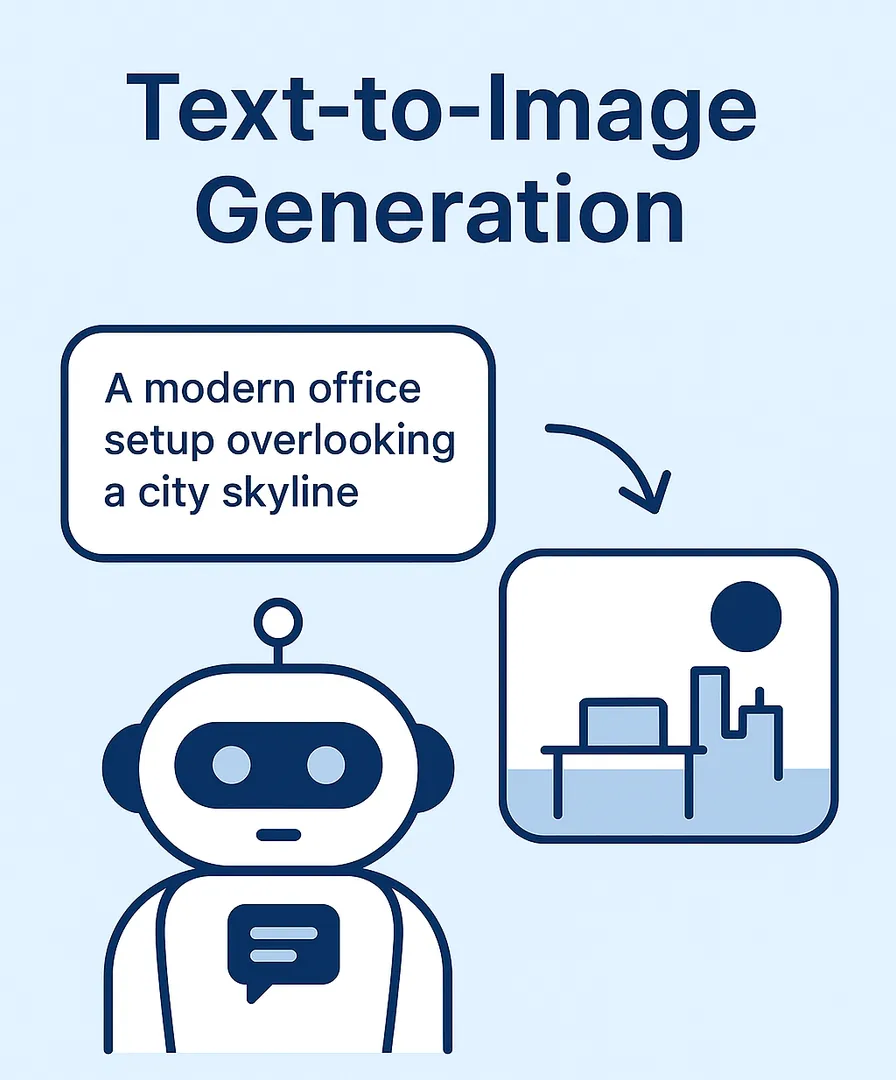
Models supported for Text-to-Image Generation in GTWY
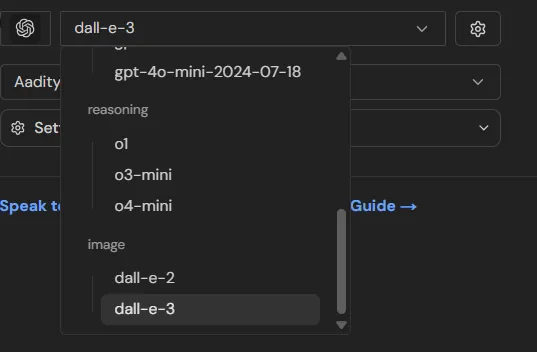
GTWY currently supports two powerful model families:
1. OpenAI DALL·E Models
These are some of the world’s most advanced image-generation models.
🔹 DALL·E 2
Great for simple, clean visuals
Fast generation
Ideal for concept sketches, digital art & basic creatives
For more details, you can visit DALL·E 2 Official Documentation
🔹 DALL·E 3
Much more detailed and accurate
Better prompt understanding
Perfect for realistic scenes, product renders, and highly specific ideas
For more details, you can visit DALL·E 3 Official Documentation
DALL·E models are known for reliability, clean output, and strong adherence to prompts.
2. AI ML Service — Image Gen Pro 1.0
A powerful, flexible model from AI ML Services.
🔹 Image Gen Pro 1.0
Great for artistic styles
Smooth textures and colors
Ideal for social media creatives, posters, character art, and branding ideas
Supports high detail and vivid compositions
For more details, you can visit AI ML Image Generation Documentation
This model is especially useful for creators who want more artistic or stylized outputs.
Prompt Guidelines for Text-to-Image Generation
To generate high-quality images, the prompt matters more than anything else.
Each model understands prompts differently — some prefer short, direct prompts, while others perform better with detailed descriptions.
That’s why it’s important to follow the model-specific prompt guidelines.
Below are short, practical rules for each model :
1. OpenAI DALL·E 2 & DALL·E 3 Guidelines
For DALL·E 2 → keep prompts simple and clear
For DALL·E 3 → feel free to write descriptive, story-like prompts
Add mood, colors, environment, emotion if needed
Avoid referencing real people
Do not request harmful/sensitive content (OpenAI strictly filters this)
For full compliance and best practices, follow OpenAI’s Official Guidelines
2. AI ML Service — Image Gen Pro 1.0
Describe the subject clearly
Add style keywords (3D render, digital art, anime, realistic, etc.)
Mention lighting if relevant (soft, cinematic, dramatic)
Keep the prompt structured: subject → style → details → background
Avoid copyrighted characters or real person likenesses
Avoid sensitive or unsafe content (strictly restricted)
For detailed rules, visit the full guidelines here: AI ML Image Guidelines
How to Create an Image on GTWY ?
Log in to GTWY
Select the Chatbot as the Agent type.
Select the image models in the described services.
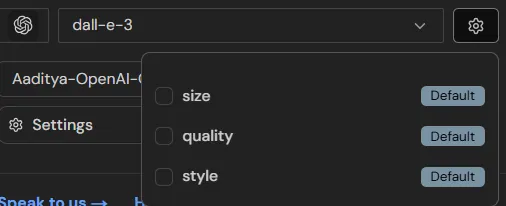
Configure the settings as needed. (optional)
Write your prompt in the chatbot and the image will be generated
Final Thoughts
GTWY makes image generation fast, simple, and accessible for everyone.
Just type your idea — and watch it turn into an image instantly.
Try GTWY’s Text-to-Image feature and bring your ideas to life.
 Built with DocStar