API Guide
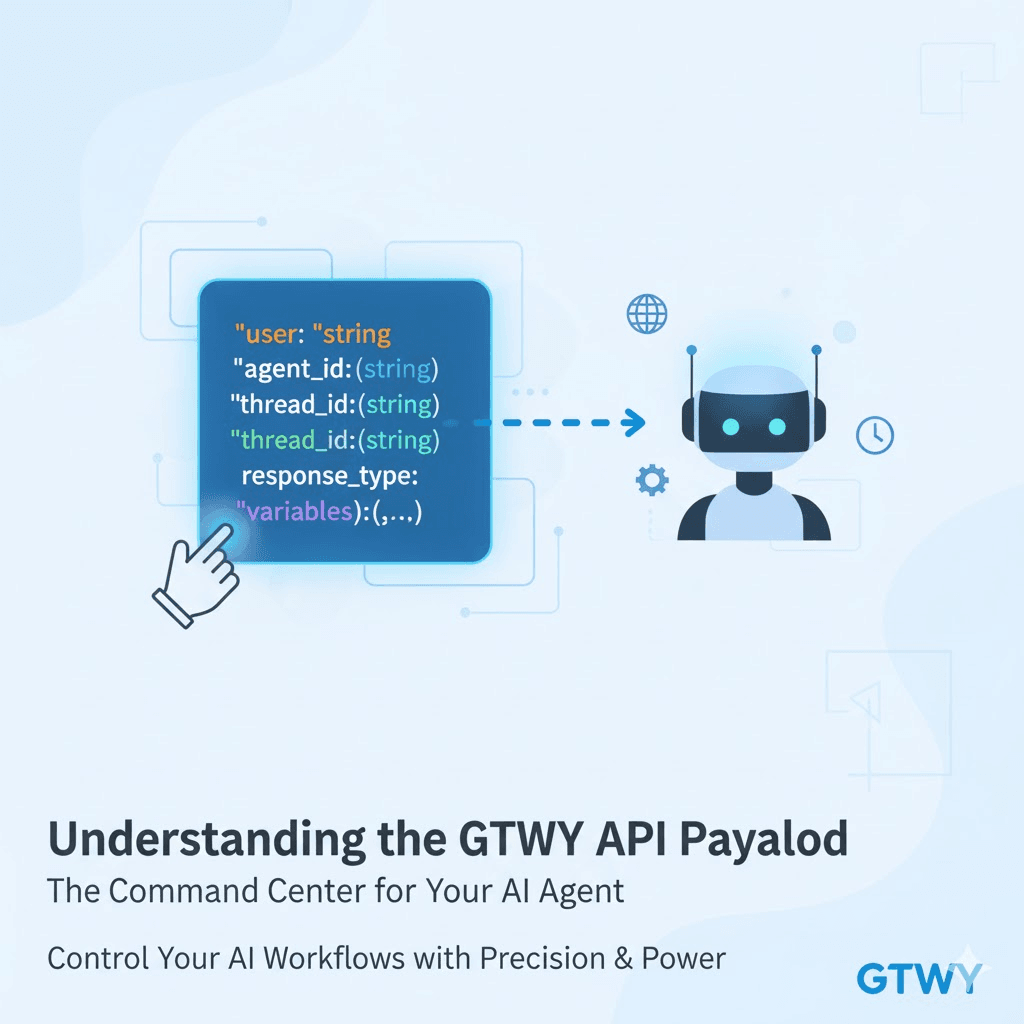
Understanding the GTWY API Payload
When you work with the GTWY API, the payload is the brain of your request. It tells the system:
What the user is asking
Which agent should respond
What variables or context the AI needs
This guide breaks down every payload key, how to pass add-ons, and how to use advanced configurations — all in a simple, clear format.
Base API Call
Here’s the basic format of a GTWY API call:
curl --location 'https://api.gtwy.ai/api/v2/model/chat/completion' \
  --header 'pauthkey: YOUR_GENERATED_PAUTHKEY' \
  --header 'Content-Type: application/json' \
  --data '{
    "user": "YOUR_USER_QUESTION",
    "agent_id": "6694ece414e1d217f9973fc7",
    "thread_id": "YOUR_THREAD_ID",
    "response_type": "text",
    "variables": {
      // ...VARIABLES_USED_IN_BRIDGE
    }
  }'
Payload Keys Explained
Key | Type | Description | Required |
|---|---|---|---|
user | string | The end-user’s input or question. Example: | Yes |
agent_id | string | The unique ID of the agent that should process the request. | Yes |
thread_id | string | Maintains the conversation context across messages. If omitted, a new thread starts. | No |
response_type | string | Defines the reply format — | No |
variables | object | Key-value pairs used for passing dynamic inputs or contextual data to the agent. | No |
Note: If
response_typeis not defined, GTWY automatically returns the response in JSON format.
Sending Variables (Add-Ons)
The variables object allows you to pass dynamic data or “add-ons” into your agent’s workflow.
This is helpful when your agent needs extra context like user details, order IDs, or workflow parameters.
Example:
"variables": {
  "customer_name": "Riya",
  "order_id": "ORD12345",
  "priority": "high"
}
Your agent can access these inside prompts or when calling tools/APIs.
Example Response
Success Response :
{
  "success": true,
  "response": {
    "data": {
      "id": "chatcmpl-785654654v4ew54656",
      "content": "Response from the AI",
      "model": "Your selected model",
      "role": "assistant",
      "finish_reason": "stop"
    },
    "usage": {
      "input_tokens": 269,
      "output_tokens": 10,
      "total_tokens": 279
    }
  }
}
Error Response :
{
  "success": false,
  "error": "Error message"
}
Advanced Payload Configurations
GTWY lets you customize every part of the request — models, providers, and external tools.
Case 1 — Changing the Model and Parameters
You can modify the model and parameters like temperature, top_p, or reasoning at runtime.
"configuration": {
  "model": "gpt-5",
  "temperature": 0.7,
  "top_p": 0.9,
  "reasoning": {
    "effort": "minimal"
  }
}
Case 2 — Changing the Service
You can also select which AI service to use (e.g., OpenAI, Gemini, Claude) by adding a service key outside the configuration.
"configuration": {
  "model": "gpt-5"
},
"service": "openai"
Case 3 — Passing Tools at Runtime
You can attach external APIs or tools directly to your agent during runtime using schema-like definitions.
"extra_tools": [{
  "url": "https://api.example.com",
  "headers": { "Authorization": "Bearer token" },
  "name": "lookup_tool",
  "description": "Fetches data from external API",
  "required_params": ["id"],
  "fields": {
    "id": {
      "type": "string",
      "description": "Unique identifier to look up"
    }
  },
  "tool_and_variable_path": {}
}]
This feature is especially useful when your agent needs to fetch live data from third-party APIs during execution.
Summary
Required Keys:
userandagent_idmust always be included.Optional Keys:
thread_id,response_type, andvariablesadd flexibility and control.Variables: Use them to send dynamic data or contextual information.
Advanced Config: Customize models, change services, or connect external APIs on the fly.
With this payload structure, you can start with a simple request and scale up to complex, enterprise-level workflows powered by GTWY’s AI agents.
 Built with DocStar