Tool Calling
Connect Apps and Tools to Your AI Agent
Large Language Models (LLMs) like GPT are evolving fast. They’re no longer just text generators — they’re becoming real agents that can think, decide, and take action.
Imagine an AI that can fetch real-time data, run calculations, send emails, generate images, or update spreadsheets — automatically.
That’s exactly what Connect Apps (also known as Tool Calls) enables inside GTWY.
With a few clicks, you can link your AI to external apps, APIs, scripts, and workflows — turning it into a powerful, action-driven automation engine.
What Does “Connect Apps” Mean?
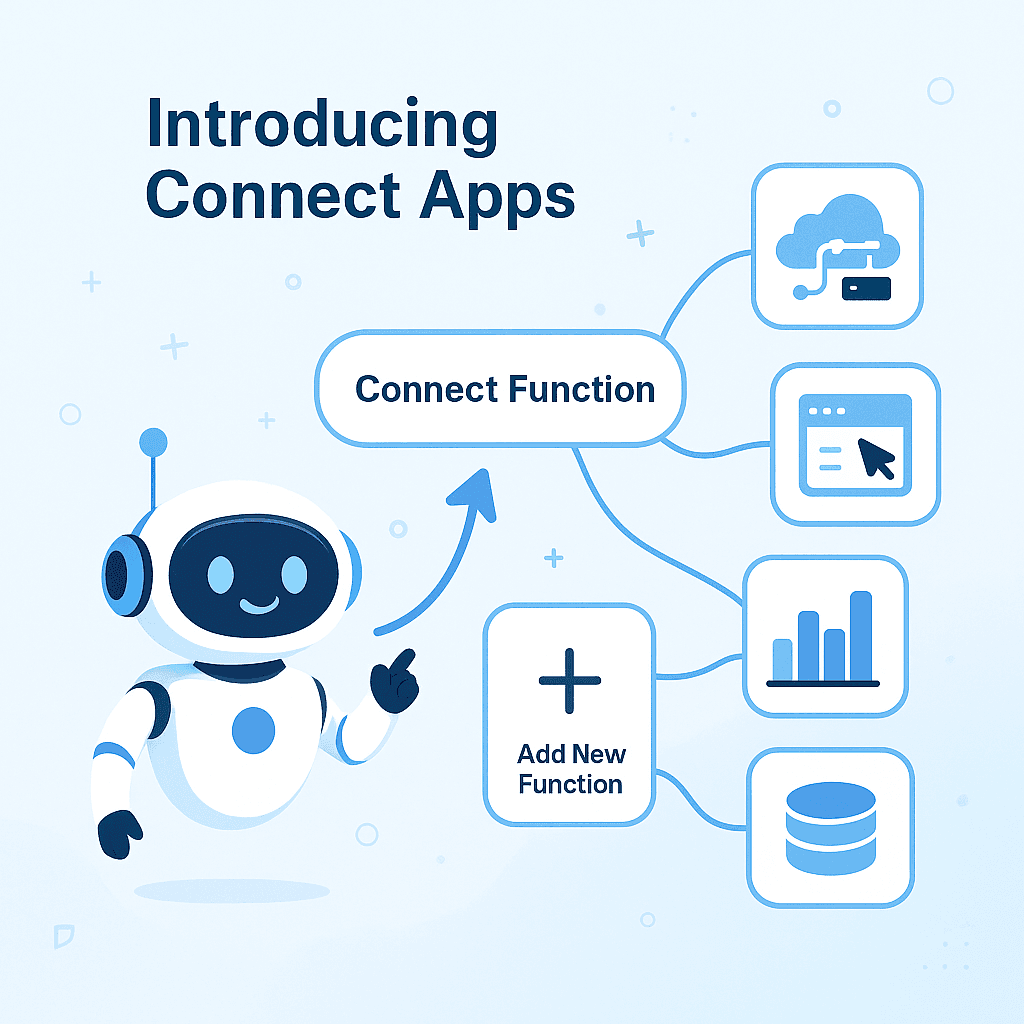
Connect Apps lets your AI communicate with external tools, APIs, and tools.
Think of it as giving your AI access to the real world, safely and securely.
Once connected, your AI can:
Fetch live information (weather, stocks, sports, news)
Run formulas, calculations, or custom scripts
Generate or modify images
Read and manipulate spreadsheets
Trigger flows and multi-step processes
Connect to ANY external API or third-party service
In simple terms: Your AI stops just talking — and starts doing.
How to Connect a Tool or App
Connecting a tool or app inside GTWY is quick, visual, and beginner-friendly.
Here’s how it works step by step 👇
1. Find “Connect Tool” Below the Prompt
Under the chat input area, you’ll see an option labeled “Connect Tools”
Click it to view all available tools, APIs, and apps you can link.
Example: Screenshot of the “Connect Tools” button below the prompt.
2. Choose or Add a Tool
A list of pre-connected tools and functions will appear.
Simply pick one from the list — or create your own.
Click “Add New Tool” to:
Connect to an existing app
Add a custom JavaScript function
Integrate any external API
Design a Flow to handle multi-step or complex tasks
3. Build and Publish
Once your function or flow is ready:
Hit Save/Publish
It will instantly appear in your Connect Tools list — ready to use anytime.
You’ve just expanded your AI’s abilities — no coding required.
Why Tool Calls Matter
Connecting tools takes your AI from chatty to powerful.
Here’s what it can do once connected 👇
Access Real-Time Data
Example: “What’s the weather in New York right now?”
Your AI fetches live weather data via an API.
Perform Complex Computations
Example: “Calculate the average growth rate from this dataset.”
The AI runs calculations or scripts in real time.
Generate or Edit Images
Example: “Create a social media banner” or “Edit this photo’s background.”
Perfect for creative teams and visual workflows.
Handle Structured Data
Example: “Summarize this Excel sheet” or “Update column totals.”
The AI reads, edits, and organizes files like a pro.
Connect to External APIs
Example: “Book a flight using the travel API” or “Get my latest CRM leads.”
Integrate any service directly into your workflow.
Why You Should Care
Unlocks LLM Superpowers
Connect Apps turns your AI into a doer, not just a talker.
It bridges the gap between reasoning and real-world action — like having an assistant who can both plan and perform.
Dynamic and Useful
You’re no longer limited to plain text. Your AI can now fetch data, trigger automations, or handle real-world tasks — all from one place.
Final Thoughts
Connecting apps and tools is one of the simplest yet most powerful ways to extend your AI’s abilities.
It’s easy to set up, works in real time, and opens endless automation possibilities — whether you’re building a personal assistant, automating workflows, or enhancing customer experiences.
 Built with DocStar